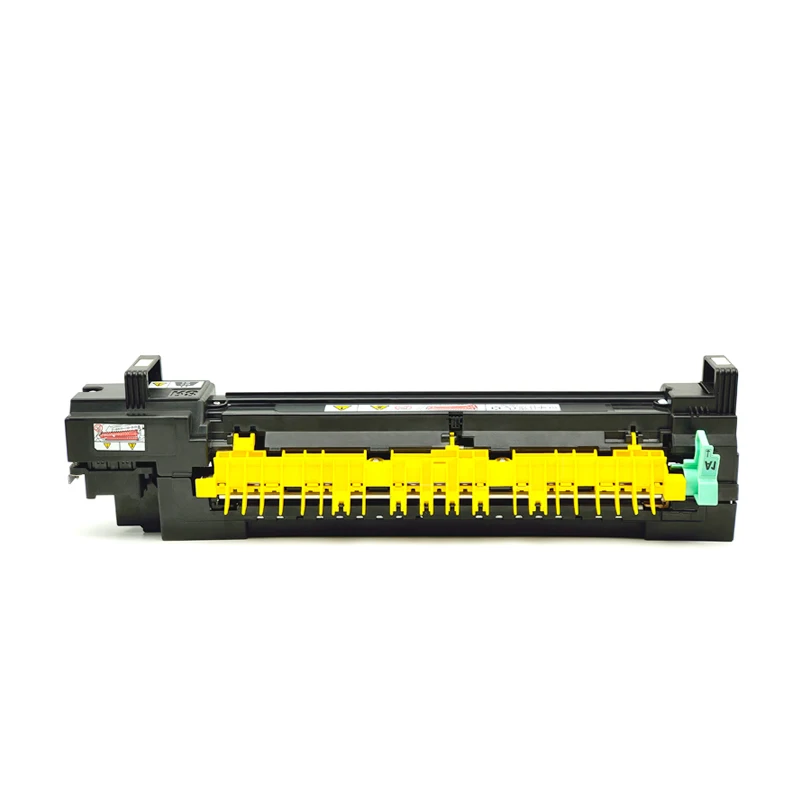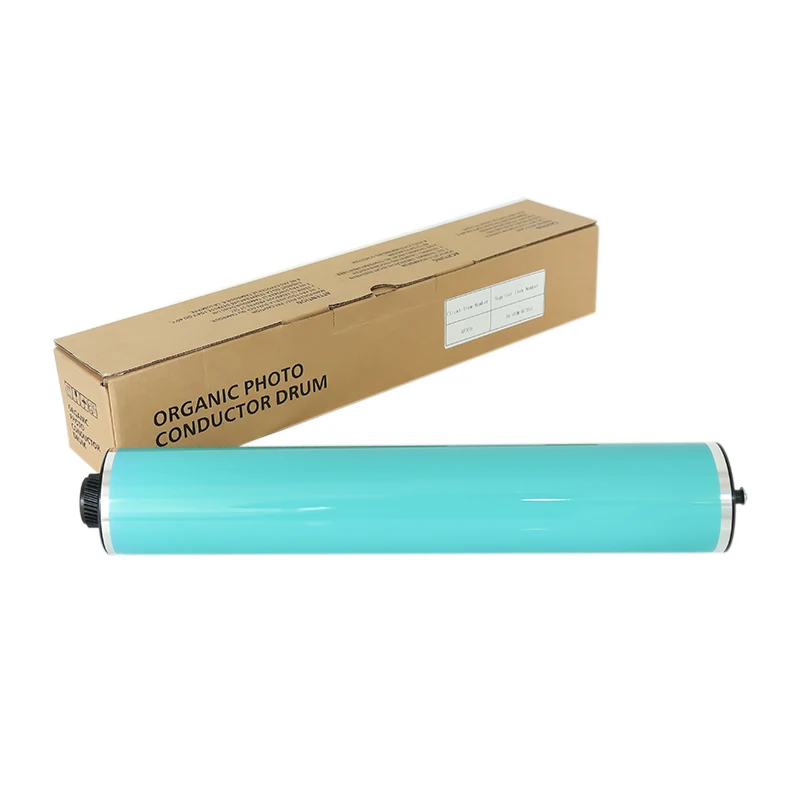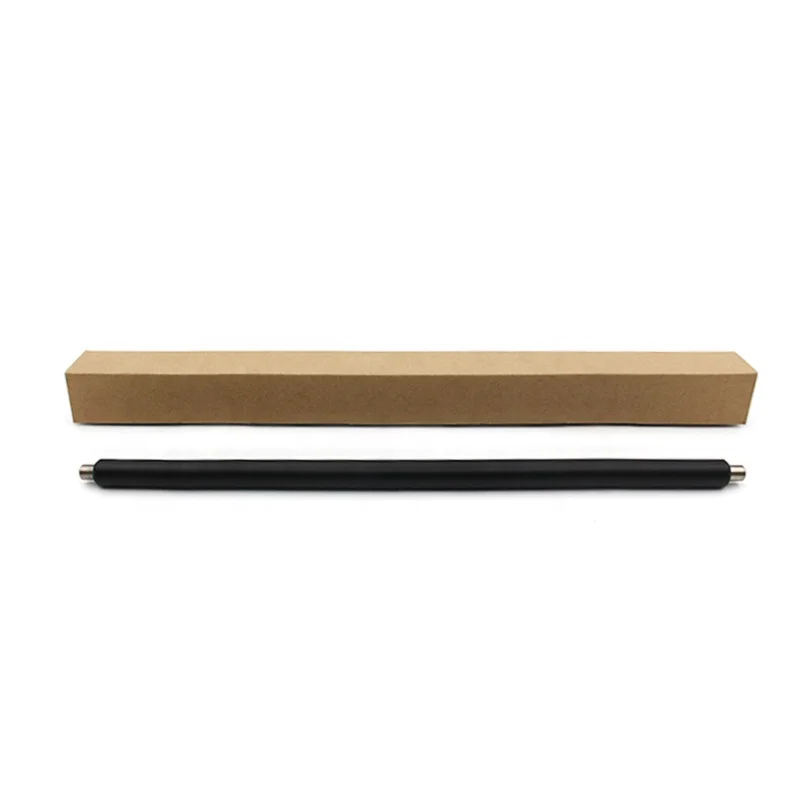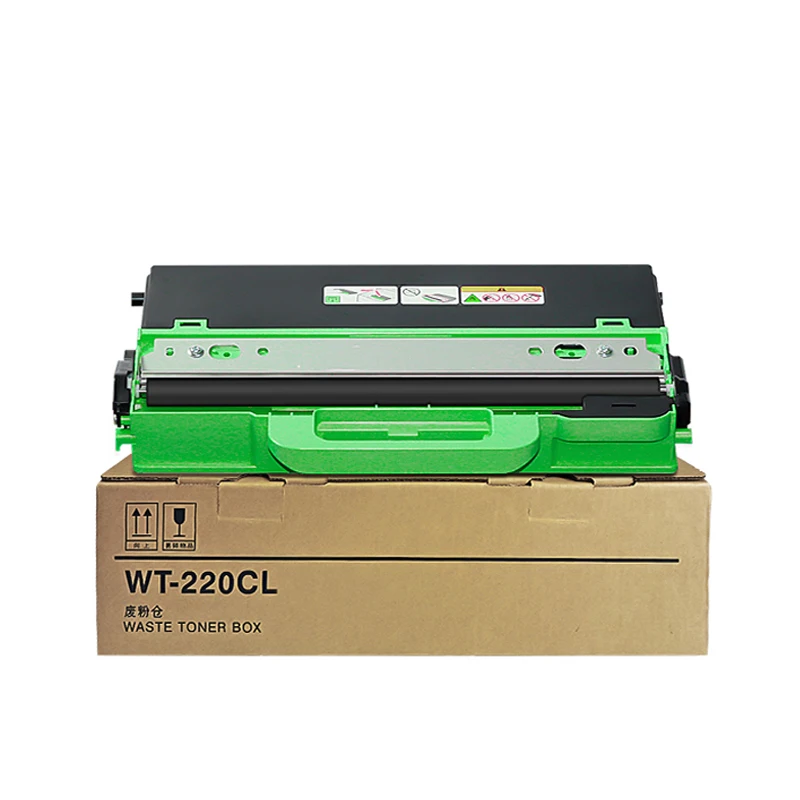
Replacing the OPC drum is one of the most common maintenance procedures for Konica Minolta bizhub copiers. If your copier produces faded prints, repeating marks, or poor image quality, installing a new OPC drum can restore print performance. Follow the steps below to safely replace the drum.
Place the drum unit on a clean, stable workbench with the waste toner outlet facing upward. This prevents toner leakage while the drum unit is being disassembled. Before starting, prepare a screwdriver and work in a clean environment to avoid contaminating the OPC drum.
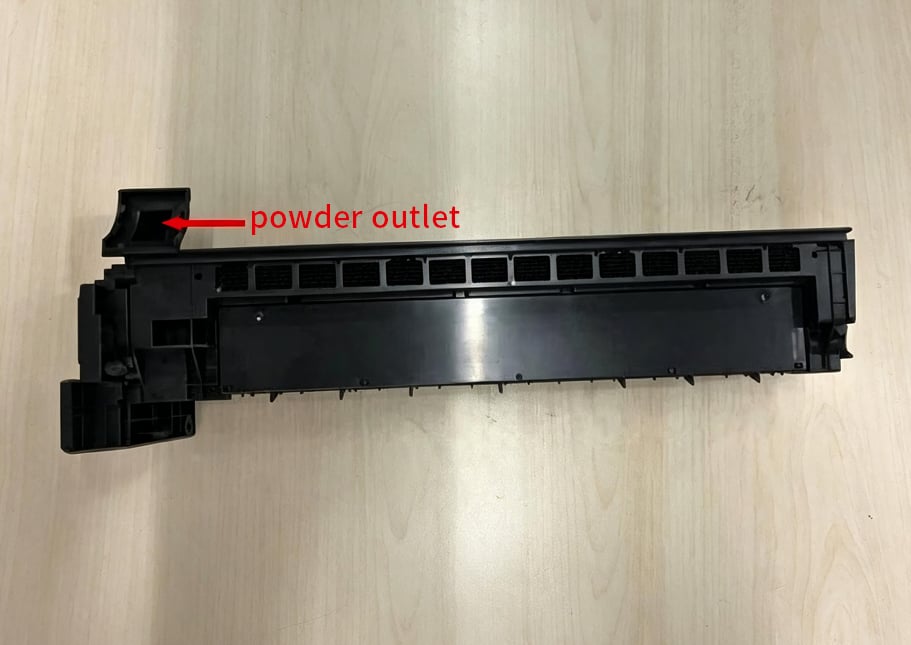
Use a screwdriver to remove the screws securing both side covers of the drum unit. Keep the screws in a safe place to avoid losing them during reassembly.
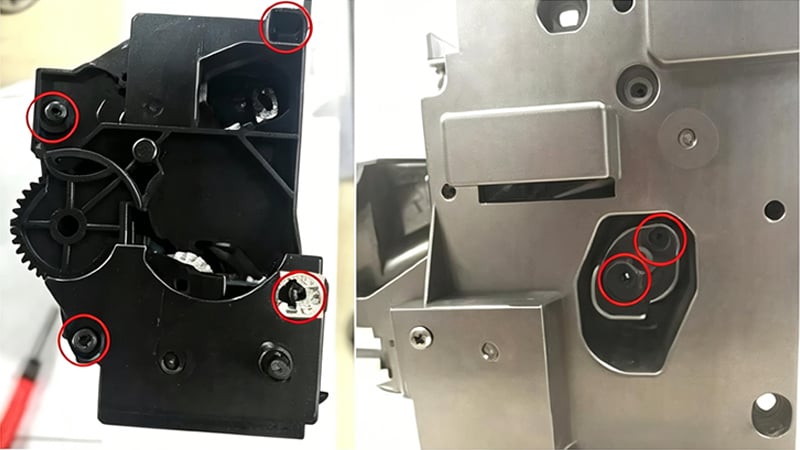
Locate the retaining clip (or pin) that locks the OPC drum in place. Carefully remove it without applying excessive force, as the clip will be reused during installation.
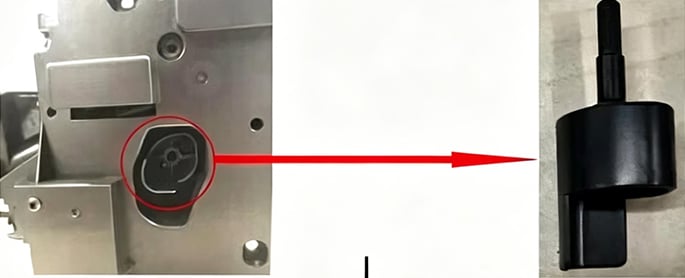
After removing the retaining clip, gently lift off the gear-side cover. Take care not to disturb the gears or springs inside the assembly.
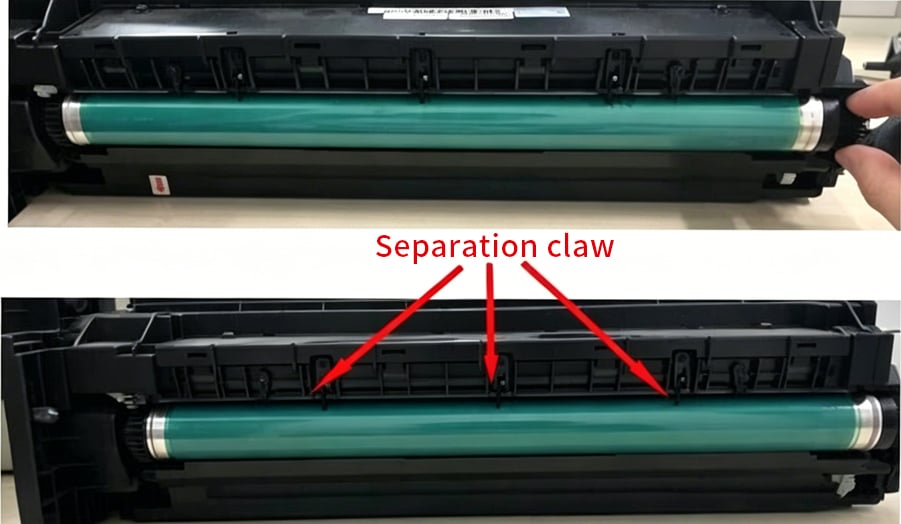
Hold the drum gear and slowly lift the OPC drum from the drum unit. During removal, avoid touching the drum surface or allowing it to contact the separation claws, as scratches can permanently damage the drum.
When installing the new drum, follow the same precautions to prevent accidental damage.
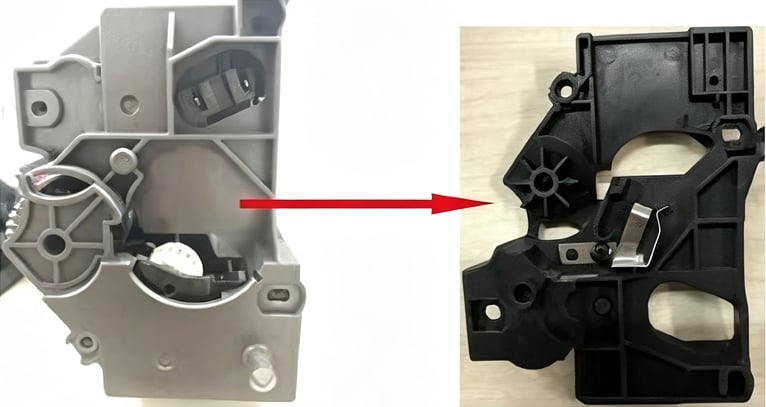
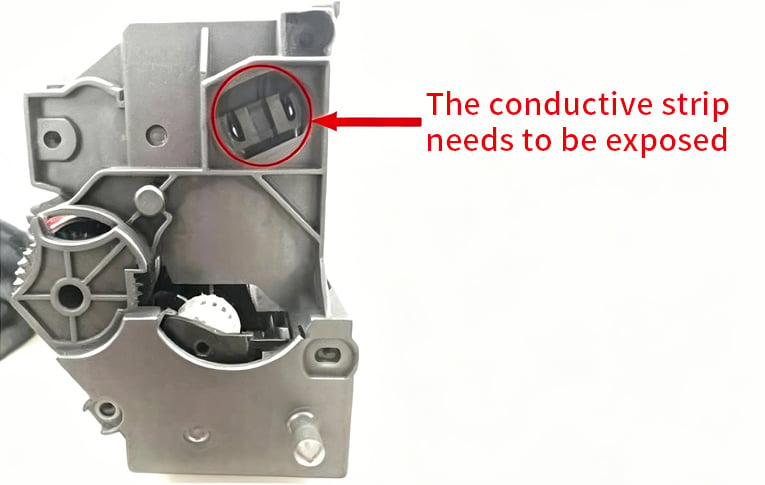
When reinstalling the side cover, make sure the locating post of the conductive grid is fully aligned with the locating slot on the cover. Improper alignment may prevent the drum unit from functioning correctly.
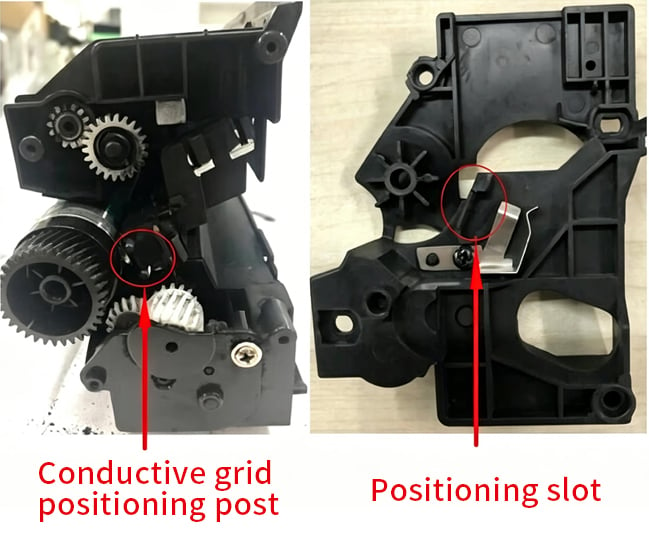
Reinstall the side cover, insert the retaining clip, and tighten all screws securely. Check that every component is firmly seated before reinstalling the drum unit into the copier.
To extend the life of your new OPC drum, avoid exposing it to direct sunlight and always handle it by the ends instead of touching the photosensitive surface. During replacement, it's also recommended to inspect the cleaning blade, primary charge roller, and other wear parts for optimal print performance.
 Hot News
2026-08-19
2026-08-12
2026-07-30
2026-07-24
2026-07-21
2026-07-11
Guangzhou SC Office Equipment Co., Ltd specializes in high-quality, Japan-compatible copier and printer consumables since 2009. Discover reliable toner cartridges and imaging solutions.
Building H, Yushu Innovation Park, Science City, Huangpu District, Guangzhou, Guangdong, China
Copyright © 2026 Guangzhou Xinshengchu Office Equipment Co., Ltd. All right Privacy Policy
 EN
EN