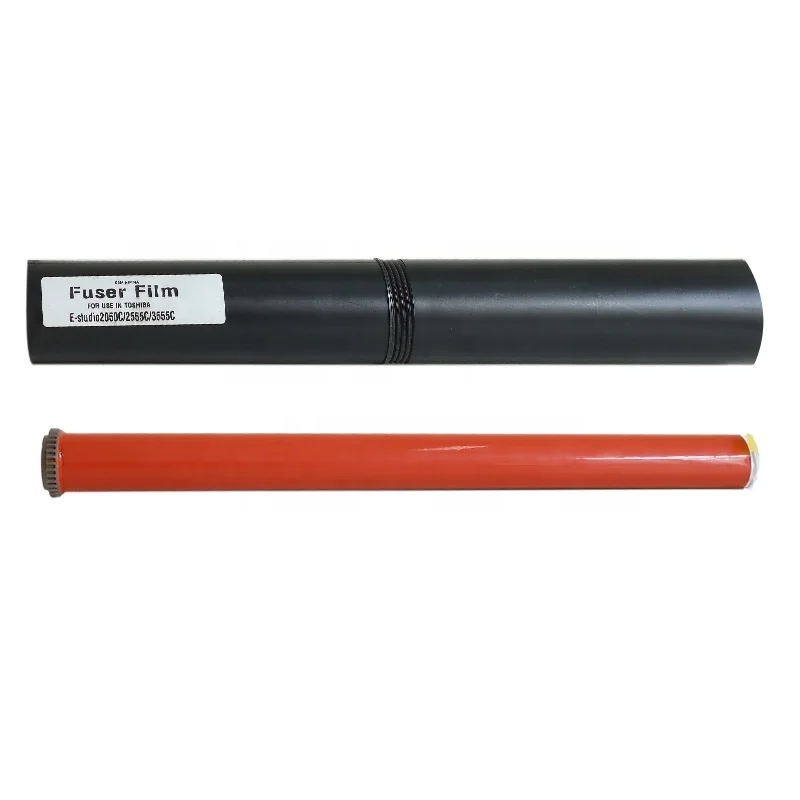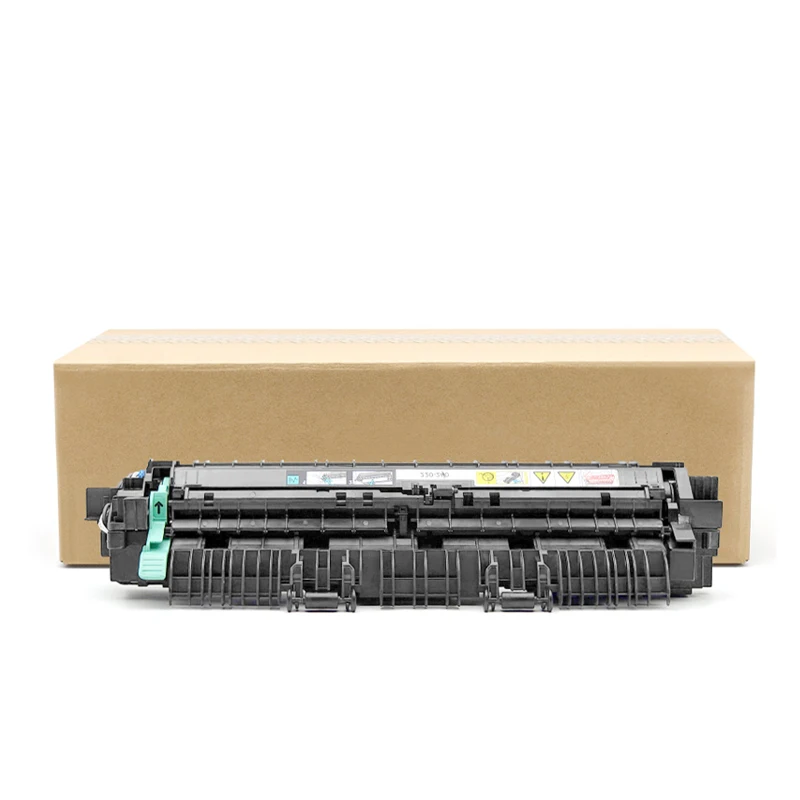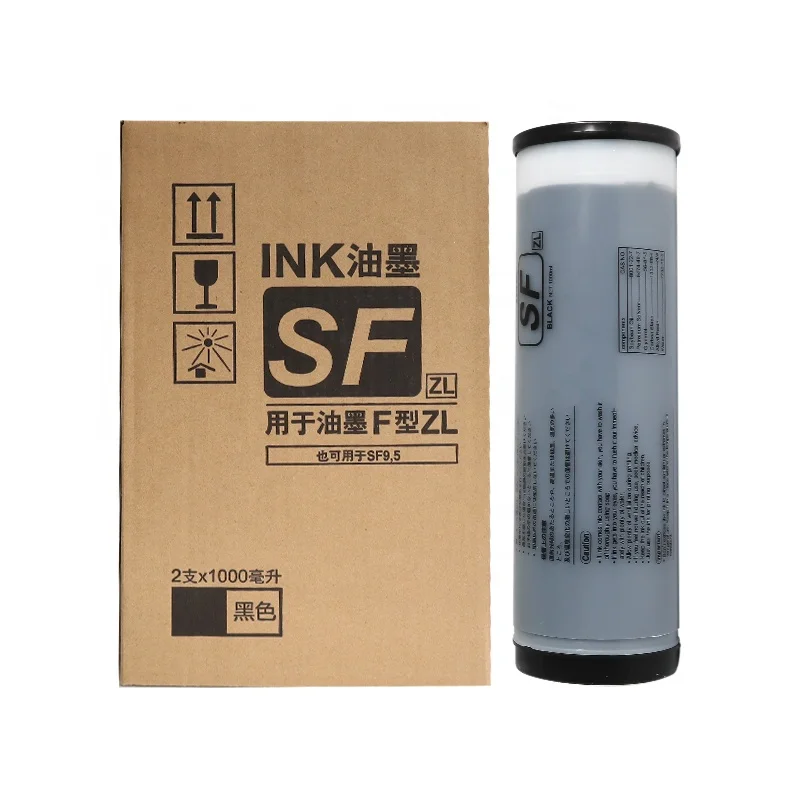
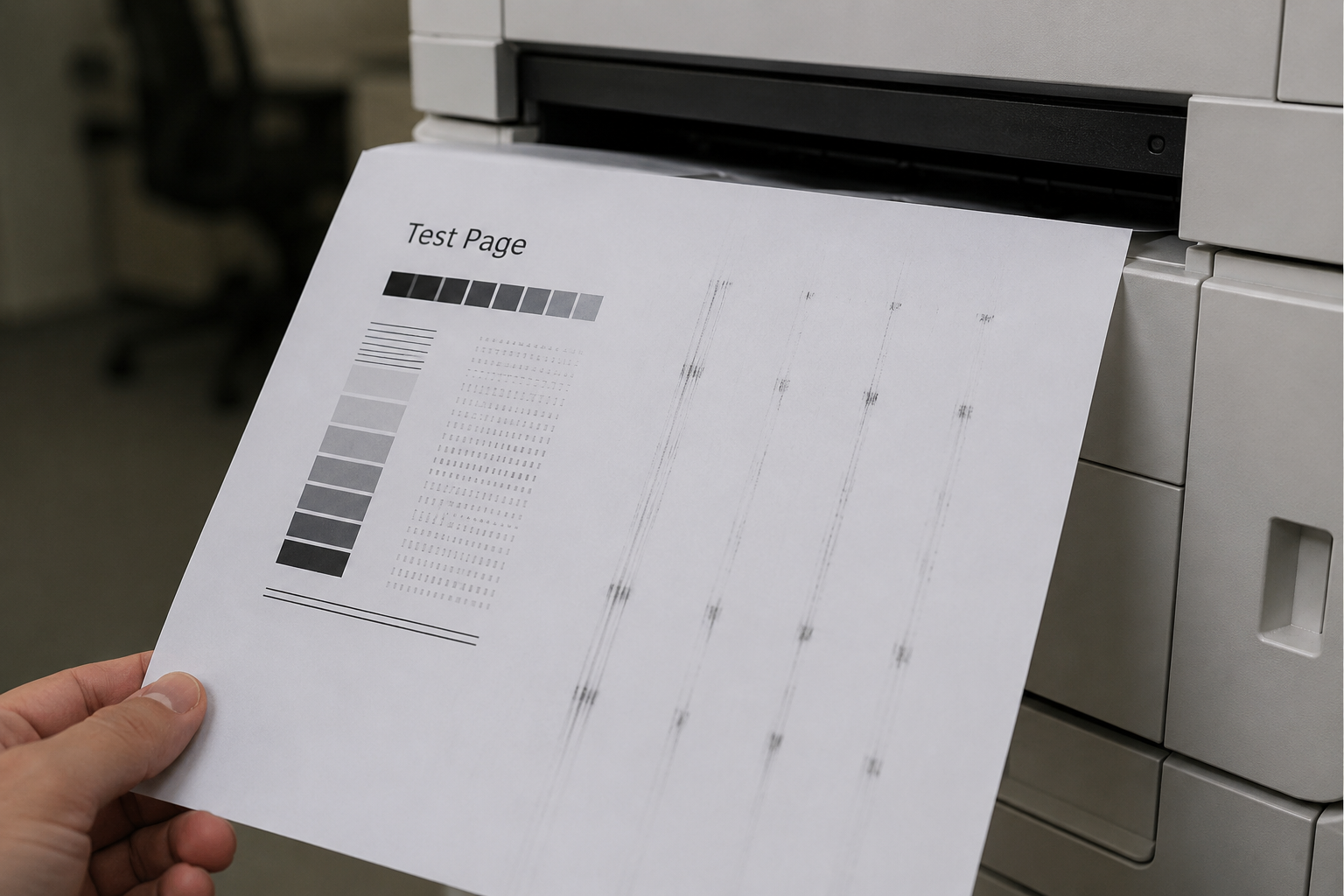
Repetitive marks on copies are one of the most common print quality issues faced by copier users. These recurring spots, lines, or ghost images often appear at regular intervals across the page and can affect both document readability and professional presentation. Understanding the root cause of the problem can help reduce downtime and prevent unnecessary replacement costs.
One of the most frequent causes of repetitive marks is a worn or damaged drum unit. Since the drum rotates continuously during the printing process, any scratch, contamination, or wear on its surface can create repeating defects at the same distance on every page. Regular inspection of the drum unit and timely replacement of worn drum components can significantly improve print quality and maintain consistent performance.
Another possible source of the issue is a damaged drum cleaning blade. The cleaning blade is responsible for removing residual toner from the drum surface after each print cycle. If the blade becomes worn, hardened, or uneven, leftover toner may remain on the drum and transfer repeatedly onto subsequent pages. Replacing a defective drum blade is often a simple and effective solution to eliminate repetitive toner marks.
The developer unit can also contribute to recurring print defects. When the developer material becomes contaminated or reaches the end of its service life, toner distribution may become uneven, resulting in repetitive patterns or background defects. Routine maintenance and the use of high-quality compatible spare parts can help ensure stable image development and reduce print quality issues.
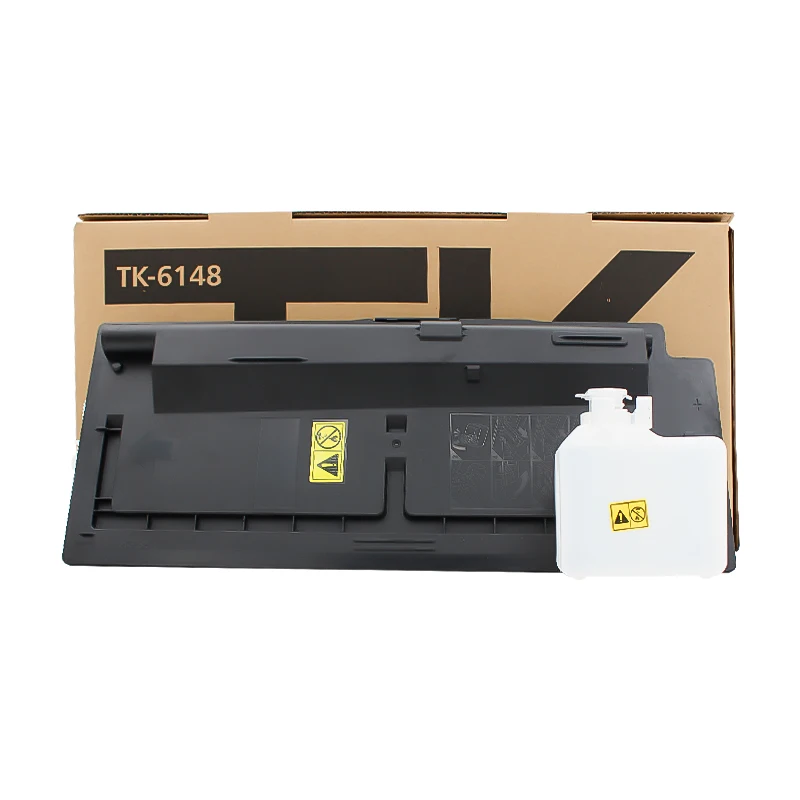
In some cases, toner cartridge problems may be responsible. Low-quality toner, toner leakage, or internal cartridge damage can cause repeating spots and streaks throughout printed documents. Choosing reliable toner cartridges manufactured under strict quality control standards helps minimize these risks and delivers more consistent printing results.
To prevent repetitive marks from affecting productivity, businesses should perform regular copier maintenance and replace worn consumables before they fail. Components such as drum units, drum blades, developer units, and toner cartridges all play critical roles in image quality. By identifying the source of the problem early and using dependable replacement parts, users can extend equipment life, reduce service costs, and maintain professional printing performance.
 Hot News
2026-08-19
2026-08-12
2026-07-30
2026-07-24
2026-07-21
2026-07-11
Guangzhou SC Office Equipment Co., Ltd specializes in high-quality, Japan-compatible copier and printer consumables since 2009. Discover reliable toner cartridges and imaging solutions.
Building H, Yushu Innovation Park, Science City, Huangpu District, Guangzhou, Guangdong, China
Copyright © 2026 Guangzhou Xinshengchu Office Equipment Co., Ltd. All right Privacy Policy
 EN
EN