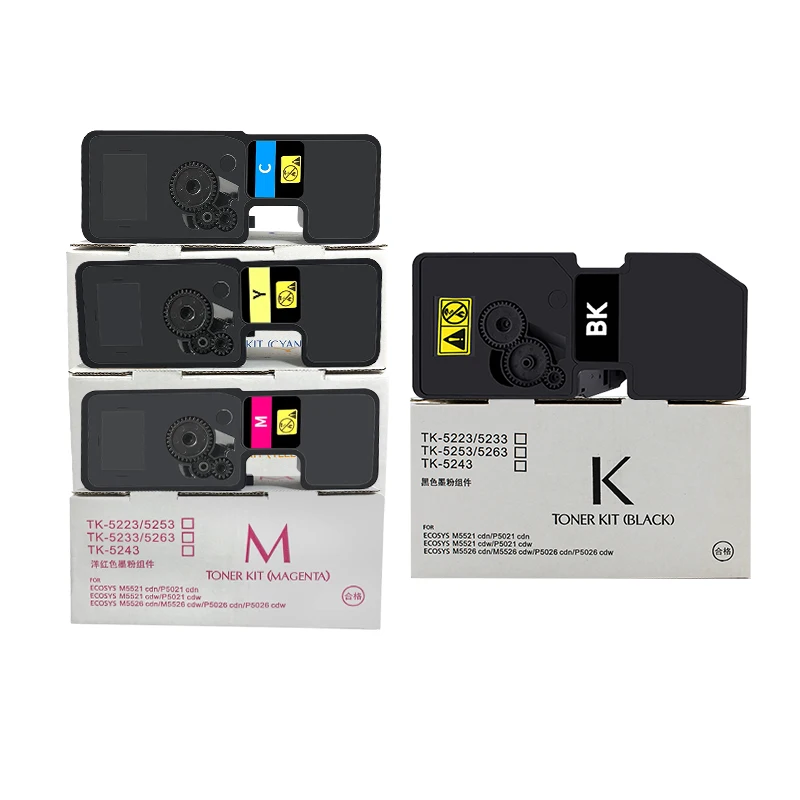
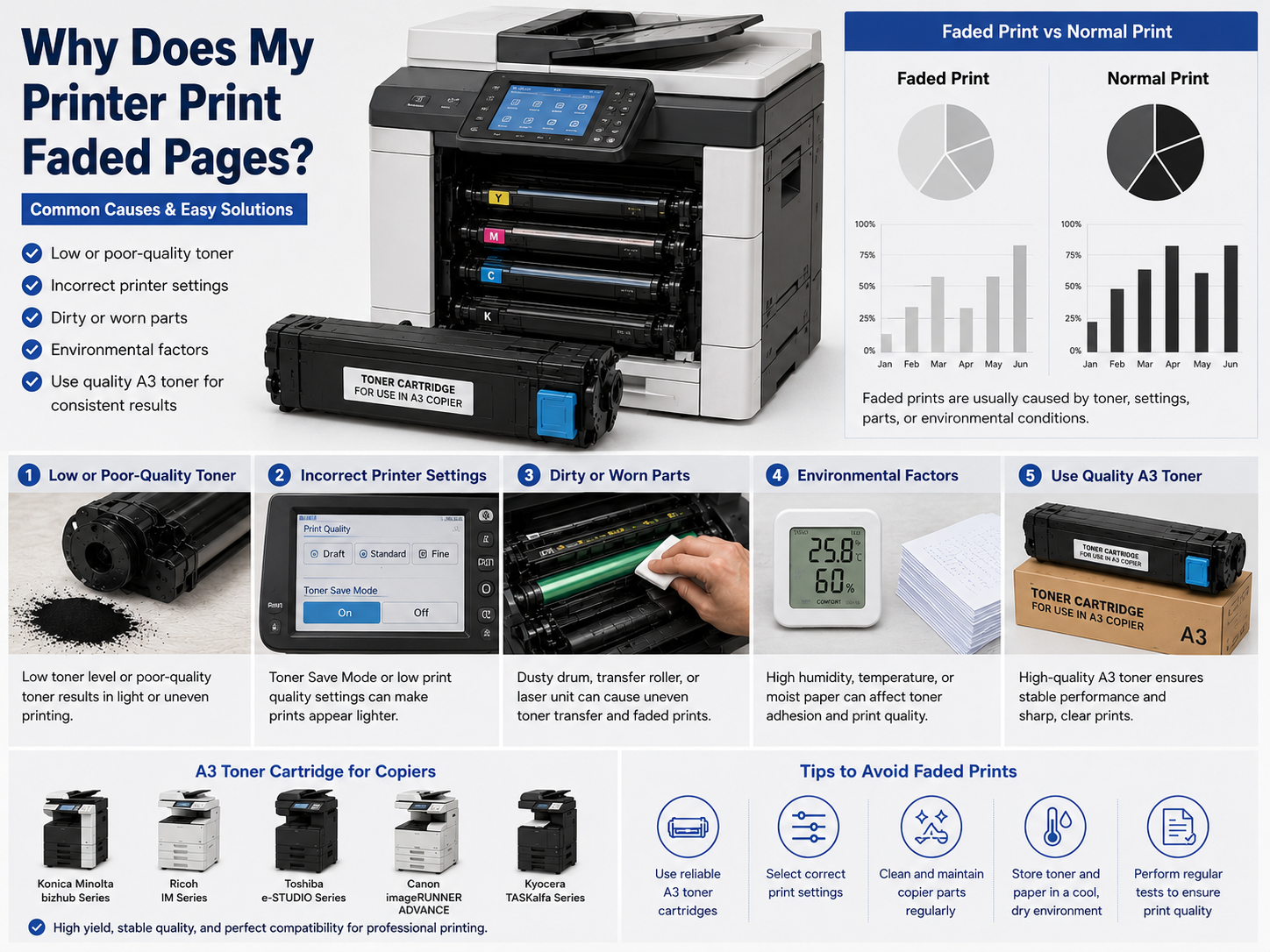
"Printing anomalies" are among the most frequently encountered problems when using laser printers. These malfunctions can disrupt workflows and compromise the professional quality of printed documents, such as thickened text, uneven black fill, or dull images. Fortunately, most of these printing defects stem from just a few common causes and can, as a general rule, be resolved quite easily through proper diagnosis and troubleshooting.
One of the primary causes of unsatisfactory print results is a low toner level in the cartridge. When the toner level drops to a critically low point, the printer becomes unable to distribute it evenly across the entire surface of the page, resulting in pale or uneven prints. In some cases, the use of incompatible consumables can render further printing impossible due to the instability of the toner powder's properties or the presence of internal defects. Using reliable replacement cartridges is the first step toward improving print quality.
Another common cause lies in an error within the printer settings. Most printers are equipped with a "toner-save mode" or "Eco mode," designed to reduce toner consumption. While these features do indeed help lower printing costs, they can result in prints that are paler than usual. To improve print quality, please check your printer settings and switch to "Standard mode" or "High-quality mode."
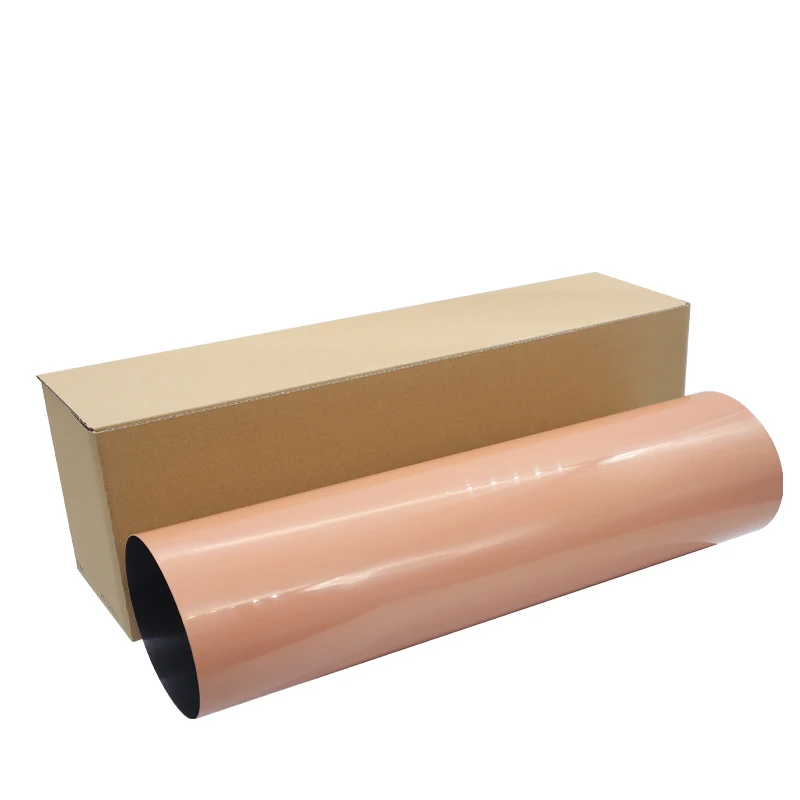
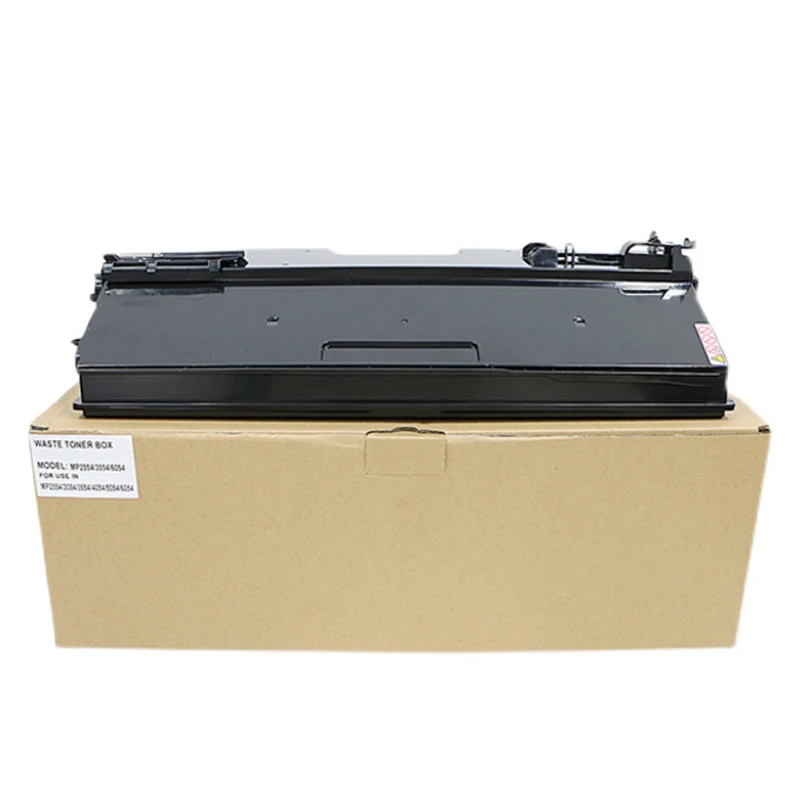
Dirty or worn printer components can also lead to faded pages. Parts such as the drum unit, transfer roller, or laser scanner may collect dust or toner residue over time. If these components are not cleaned or maintained properly, the printer may fail to transfer toner correctly onto the paper. Regular printer maintenance helps ensure stable and consistent print performance, especially in offices with heavy printing workloads.
Environmental conditions may also affect print quality. Toner cartridges stored in humid or extremely hot environments can lose stability and performance. In addition, paper with excessive moisture may prevent toner from bonding properly during the printing process. Storing toner cartridges and paper in a cool, dry place can help maintain better printing results and extend cartridge life.
To avoid faded printing problems, businesses should choose high-quality toner cartridges from reliable suppliers and perform regular printer maintenance. Stable toner quality, proper storage conditions, and correct printer settings all play important roles in achieving sharp and professional prints. For offices and distributors, using dependable toner products can also reduce maintenance costs and improve customer satisfaction in the long term.
 Hot News
2026-08-19
2026-08-12
2026-07-30
2026-07-24
2026-07-21
2026-07-11
Guangzhou SC Office Equipment Co., Ltd specializes in high-quality, Japan-compatible copier and printer consumables since 2009. Discover reliable toner cartridges and imaging solutions.
Building H, Yushu Innovation Park, Science City, Huangpu District, Guangzhou, Guangdong, China
Copyright © 2026 Guangzhou Xinshengchu Office Equipment Co., Ltd. All right Privacy Policy
 EN
EN