User-Friendly Controls and Connectivity Enable Seamless Integration
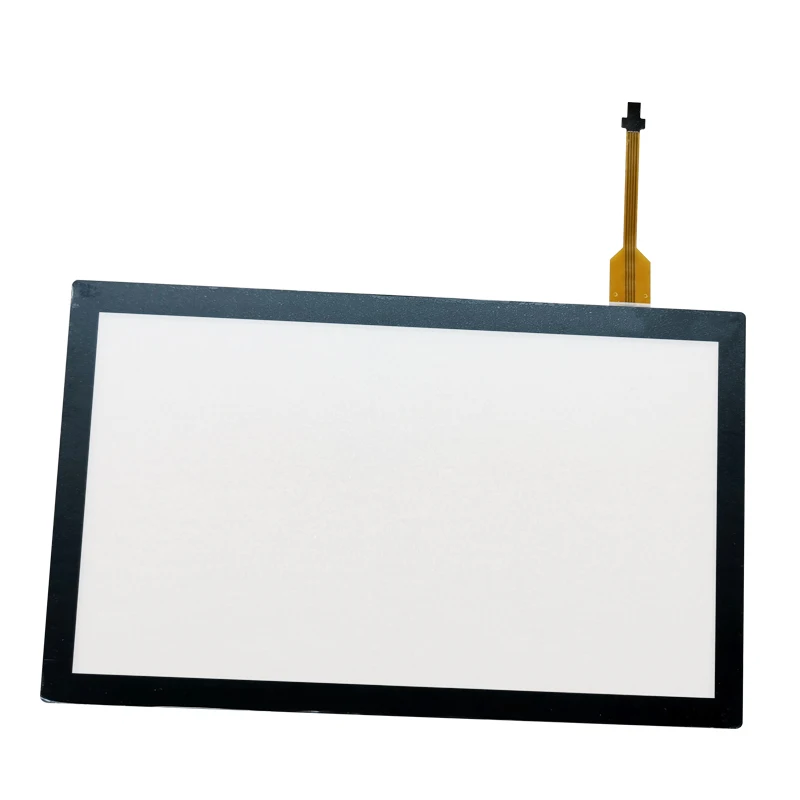
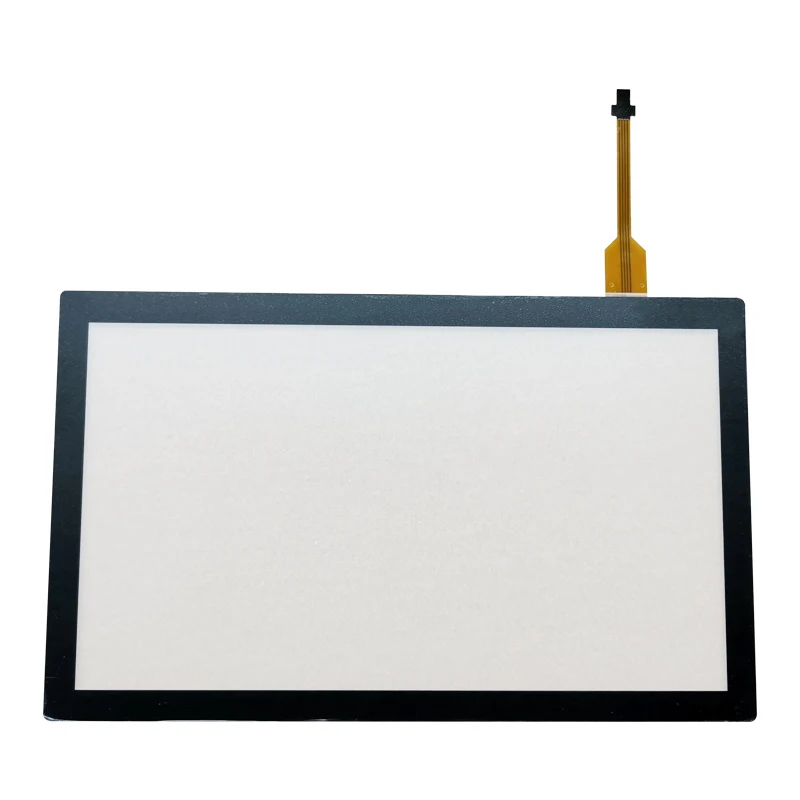
The control and connectivity components represent the parts of a copier that transform standalone machines into integrated nodes within your broader information technology ecosystem. Modern control panels feature large, high-resolution touchscreens with intuitive graphical interfaces that guide users through complex operations with minimal training. These displays present options clearly, using familiar icons and logical menu structures that reduce errors and increase efficiency. Customizable shortcuts allow frequent users to access commonly used functions with a single touch, while guest users can navigate standard operations through simple on-screen prompts. The processing hardware behind these interfaces includes powerful microprocessors capable of handling multiple tasks simultaneously, such as scanning one document while printing another without performance degradation. Memory modules within these parts of a copier buffer large jobs, accepting entire documents from computers even when the printer is busy, preventing workstation computers from being tied up during output operations. Network interface cards enable connection to Ethernet networks or wireless systems, allowing multiple users across your organization to access the copier as a shared resource. Print server software embedded in the copier manages job queues, prioritizes urgent tasks, and provides detailed usage tracking for cost allocation or security auditing. Mobile connectivity features support printing directly from smartphones and tablets using industry-standard protocols, accommodating the increasingly mobile nature of modern workforces. Cloud integration capabilities enable scanning documents directly to popular cloud storage services, eliminating intermediate steps and accelerating digital workflows. Security components within these parts of a copier include encrypted data transmission, user authentication systems, and hard drive data overwriting features that protect sensitive information from unauthorized access. Administrative controls allow IT departments to restrict access to specific functions, set default settings that conserve resources, and monitor usage patterns across departments. Remote management capabilities enable technicians to diagnose problems, update firmware, and adjust settings without visiting the physical location, reducing service costs and minimizing downtime. Energy management features automatically transition the copier into low-power modes during idle periods, then wake instantly when users approach or send jobs, balancing environmental responsibility with immediate availability. Compatibility with various operating systems and document formats ensures that these parts of a copier work seamlessly with your existing technology infrastructure, whether you operate Windows, macOS, or Linux systems. The USB ports provide convenient options for walk-up scanning or printing from portable drives, while some models include card readers for direct photo printing. These connectivity and control components transform traditional copiers into multifunctional productivity hubs that streamline document workflows, reduce redundant equipment needs, and provide the flexibility to adapt as your organizational requirements evolve.
 EN
EN