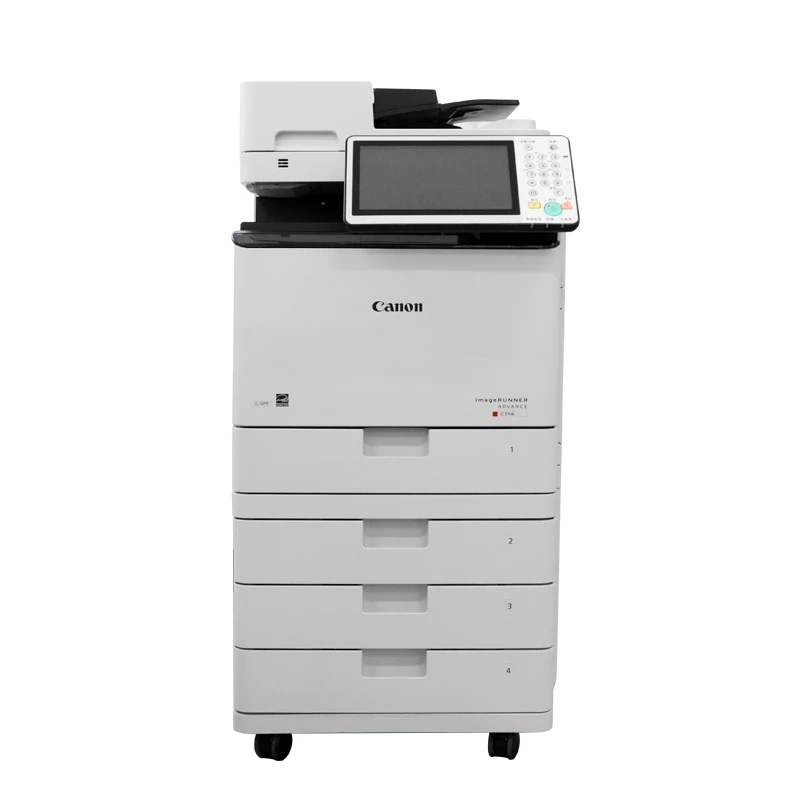
When using laser printers—particularly those that rely on toner cartridges—a common issue is the appearance of a gray background or spots on the printed output. Typically, this manifests as a faint gray haze covering the entire page, which should otherwise be stark white. Such defects compromise the quality of documents, reports, and images, often giving the printout an unprofessional or amateurish look. Understanding the root cause of this problem allows for a quick resolution and helps prevent the waste of consumables.
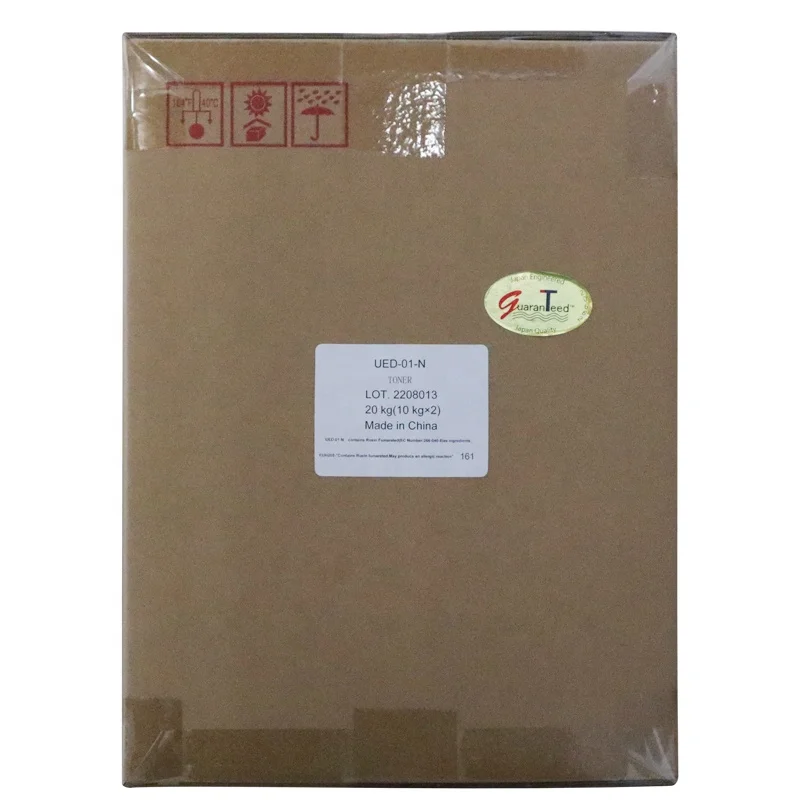
One of the most common reasons is a worn or low-quality toner cartridge. When the toner inside is uneven or the sealing components inside the cartridge are damaged, excess toner may leak onto the drum unit and transfer onto the paper background. Incompatible or poorly manufactured cartridges are especially prone to this issue. Even a new cartridge can produce gray backgrounds if it is not properly sealed or tested before installation.
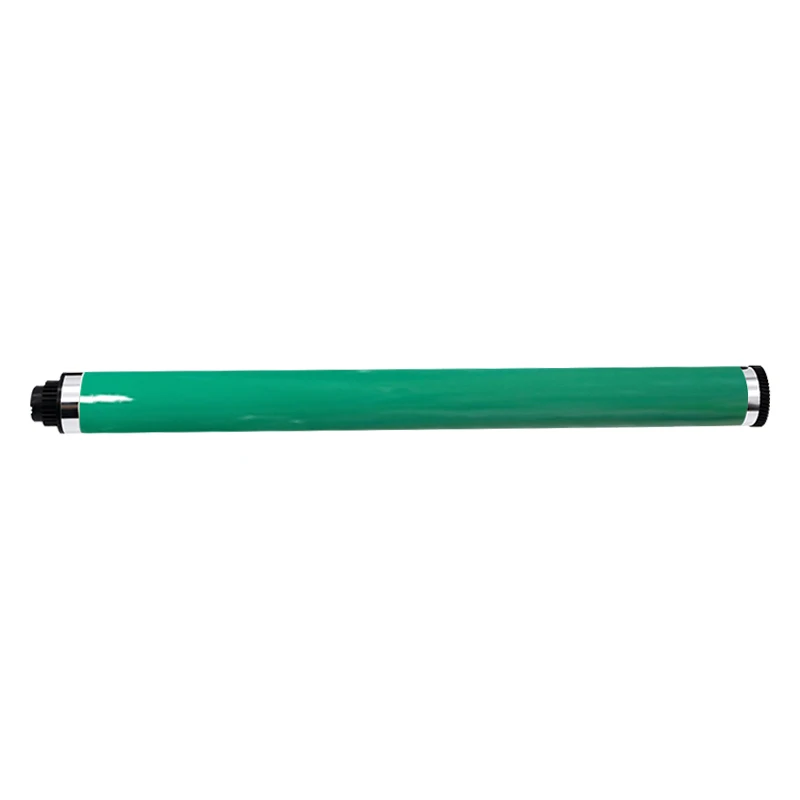
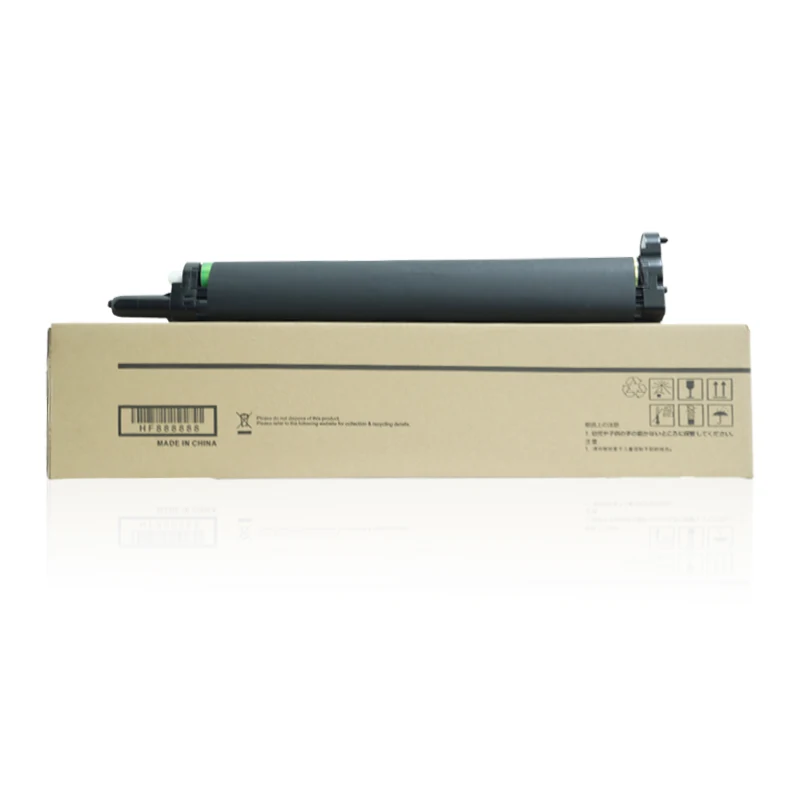
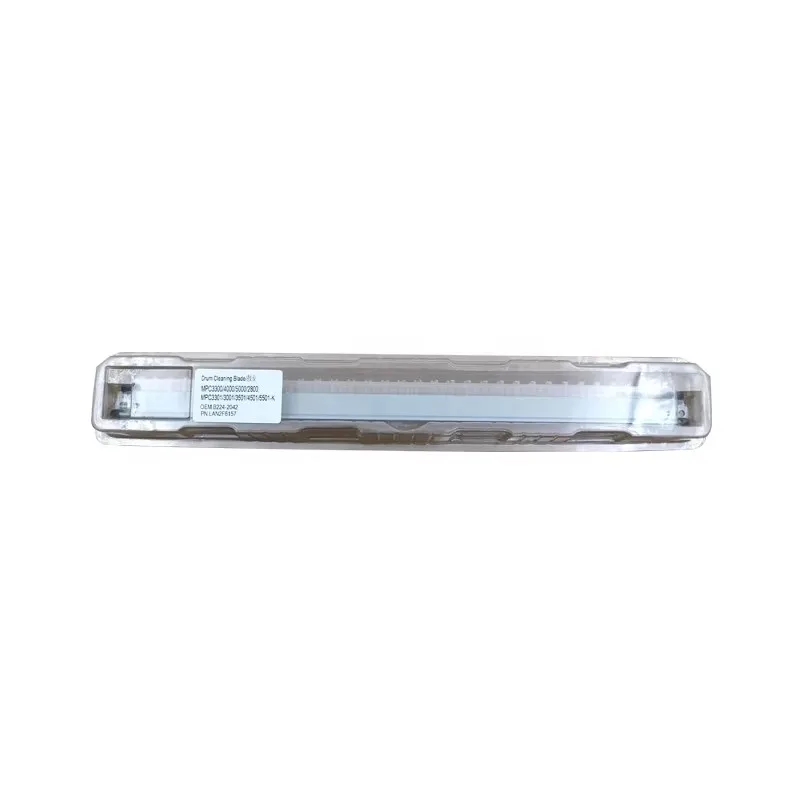
Another key cause is the drum unit condition. The drum is responsible for transferring toner onto the paper, and if it becomes scratched, aged, or contaminated, it cannot properly control toner density. As a result, it starts laying a thin layer of toner across the entire page instead of only the printed areas. In many cases, replacing the drum unit or cleaning it properly can significantly improve print quality.
Environmental factors and printer settings can also contribute. High humidity can cause toner particles to clump, while incorrect density settings may lead the printer to apply too much toner. Additionally, if the fuser unit is not heating evenly, toner may not bond correctly to the paper, causing a faded or grayish background effect. Regular maintenance and correct print settings help reduce these risks.
To solve and prevent gray background printing, it is recommended to use stable-quality compatible cartridges, regularly clean the printer interior, and replace worn components like the drum unit and fuser when needed. Choosing a reliable supplier for toner cartridge and ensuring proper storage conditions can greatly improve long-term print performance.
 Hot News
2026-08-19
2026-08-12
2026-07-30
2026-07-24
2026-07-21
2026-07-11
Guangzhou SC Office Equipment Co., Ltd specializes in high-quality, Japan-compatible copier and printer consumables since 2009. Discover reliable toner cartridges and imaging solutions.
Building H, Yushu Innovation Park, Science City, Huangpu District, Guangzhou, Guangdong, China
Copyright © 2026 Guangzhou Xinshengchu Office Equipment Co., Ltd. All right Privacy Policy
 EN
EN