Schools and training centers have unique printing needs: large volumes of worksheets, exams, handouts, and learning materials, often with tight budgets. Choosing the right digital duplicator can significantly improve efficiency and reduce long-term costs. Understanding your daily volume, durability, and running costs is the first step to making a wise decision.
The most important factor for educational settings is print volume. If you print hundreds or thousands of pages daily, a digital duplicator is far more economical than a regular laser printer. These machines are built for high-volume, low-cost printing, with per-page costs much lower than traditional devices. For small institutions with lower output, a mid-speed model will suffice; high-traffic schools should prioritize high-speed, heavy-duty machines.
Durability and reliability are equally critical. Schools cannot afford frequent breakdowns during exam weeks or busy class periods. Look for models known for stable performance and simple structure. Many educational facilities benefit from high-quality used digital duplicators, as they offer premium performance at a fraction of the new machine price, as long as they are properly inspected and maintained.
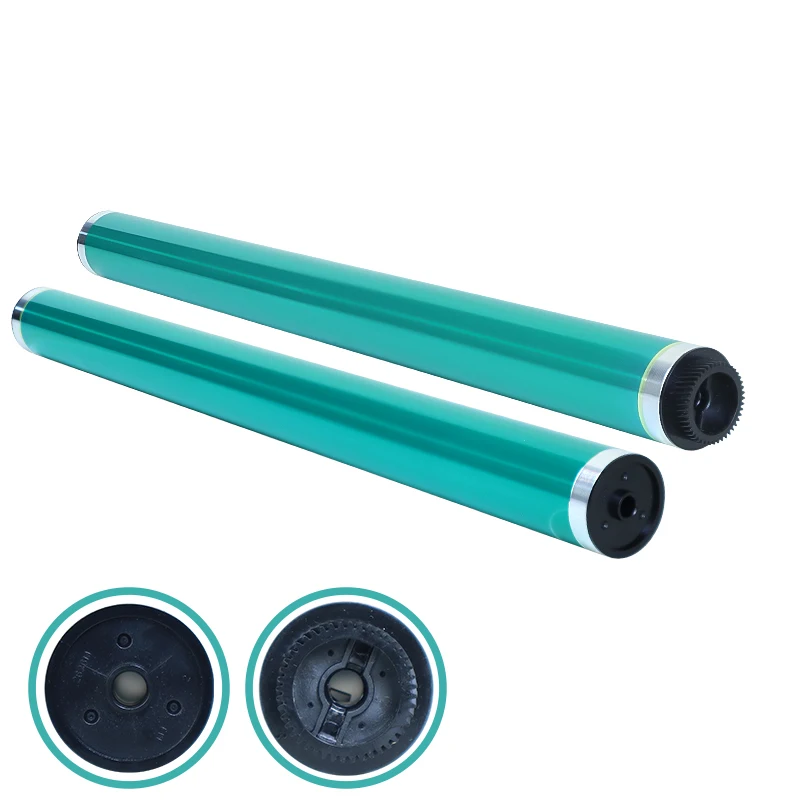
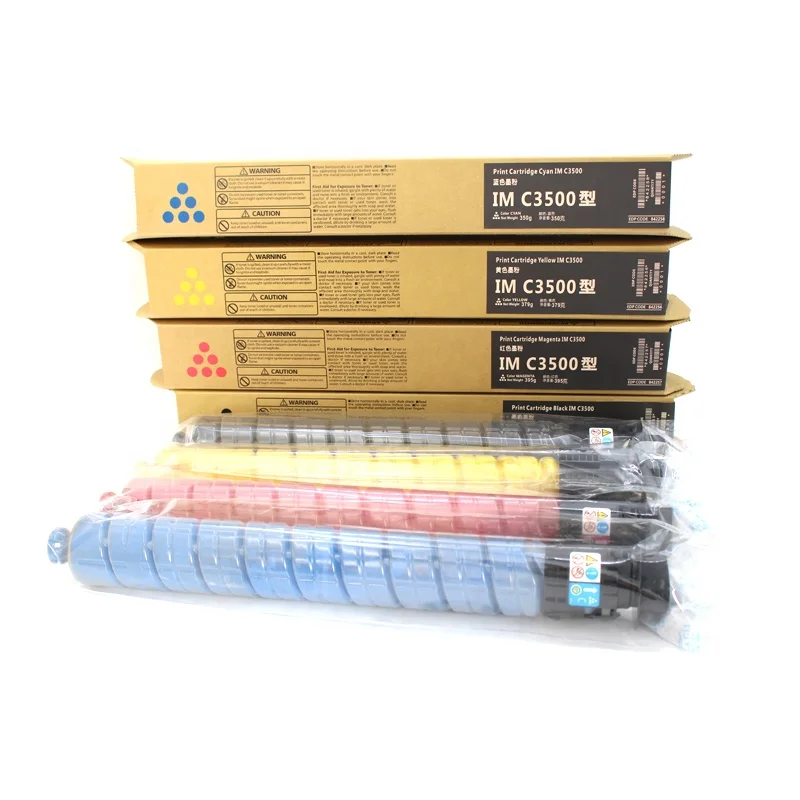
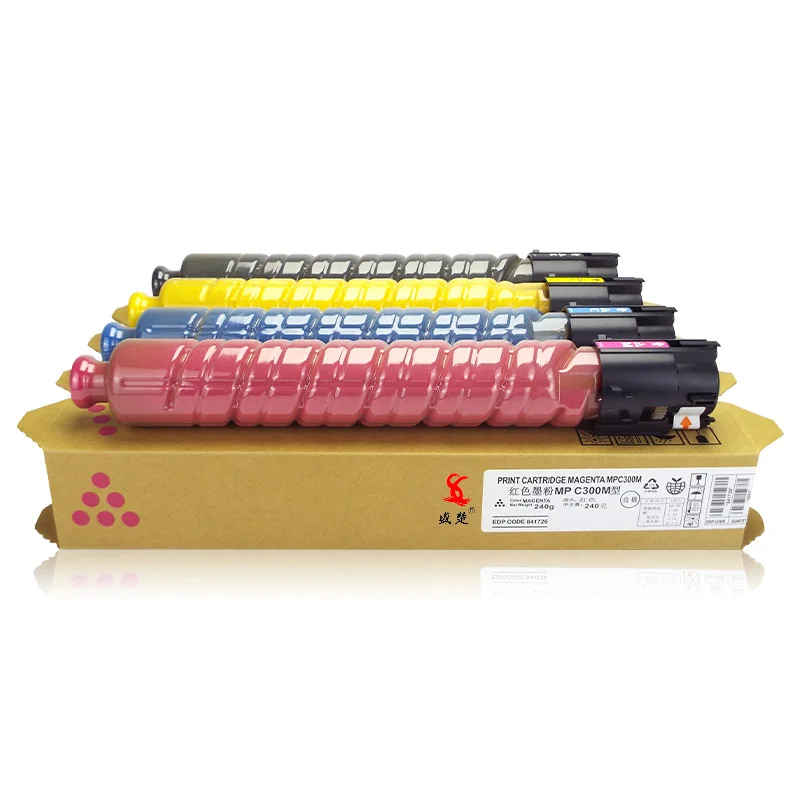
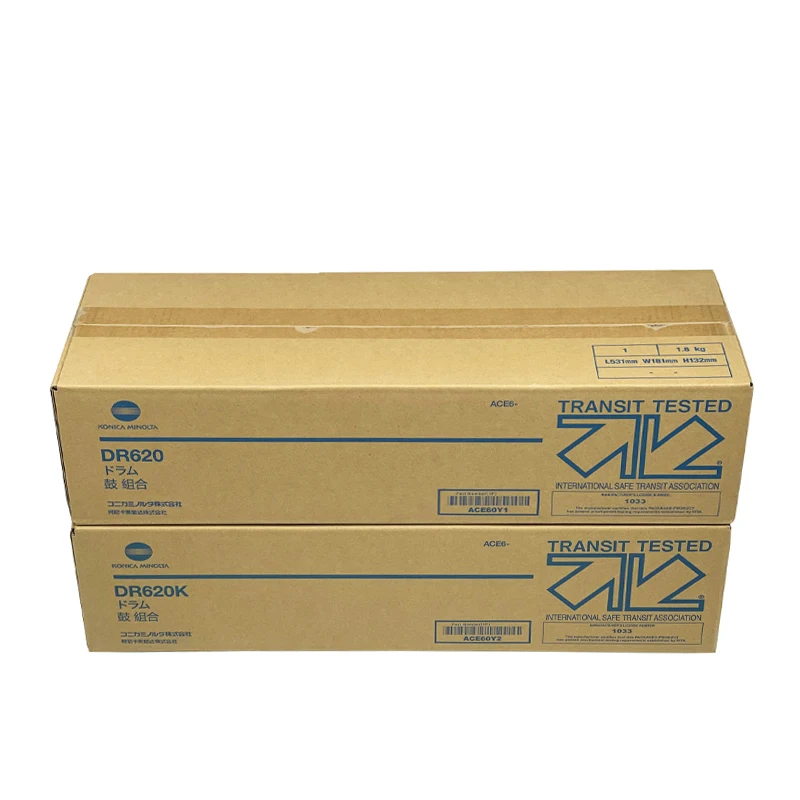
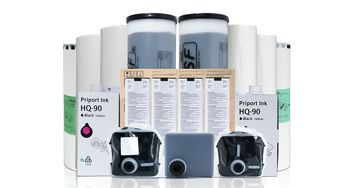
Running costs directly affect your budget. Beyond the initial purchase, consider the price and availability of drums, inks and master rolls. Machines with affordable, easy-to-source consumables will save you money over time. Efficient models also use less power and reduce paper waste, supporting both your budget and eco-friendly goals.
Ease of use helps maintain efficiency. Teachers and staff should be able to operate the machine without complex training. Features like simple scanning, one-touch settings, quick job setup, and easy jam clearance reduce downtime and let educators focus on teaching instead of troubleshooting.
After-sales support and maintenance should not be overlooked. Choose a supplier that provides timely service, clear guidance, and replacement parts. Regular, simple maintenance extends the life of your machine and prevents major issues. A reliable supplier ensures minimal disruption during busy periods.
For schools and training centers, the ideal digital duplicator balances high speed, low running costs, durability, and ease of use. Whether you choose new or professionally refurbished equipment, focusing on real daily needs will help you improve productivity, lower expenses, and create a smoother workflow for your institution.
 Hot News
2026-08-19
2026-08-12
2026-07-30
2026-07-24
2026-07-21
2026-07-11
Guangzhou SC Office Equipment Co., Ltd specializes in high-quality, Japan-compatible copier and printer consumables since 2009. Discover reliable toner cartridges and imaging solutions.
Building H, Yushu Innovation Park, Science City, Huangpu District, Guangzhou, Guangdong, China
Copyright © 2026 Guangzhou Xinshengchu Office Equipment Co., Ltd. All right Privacy Policy
 EN
EN