Intuitive Operation with Advanced Digital Integration
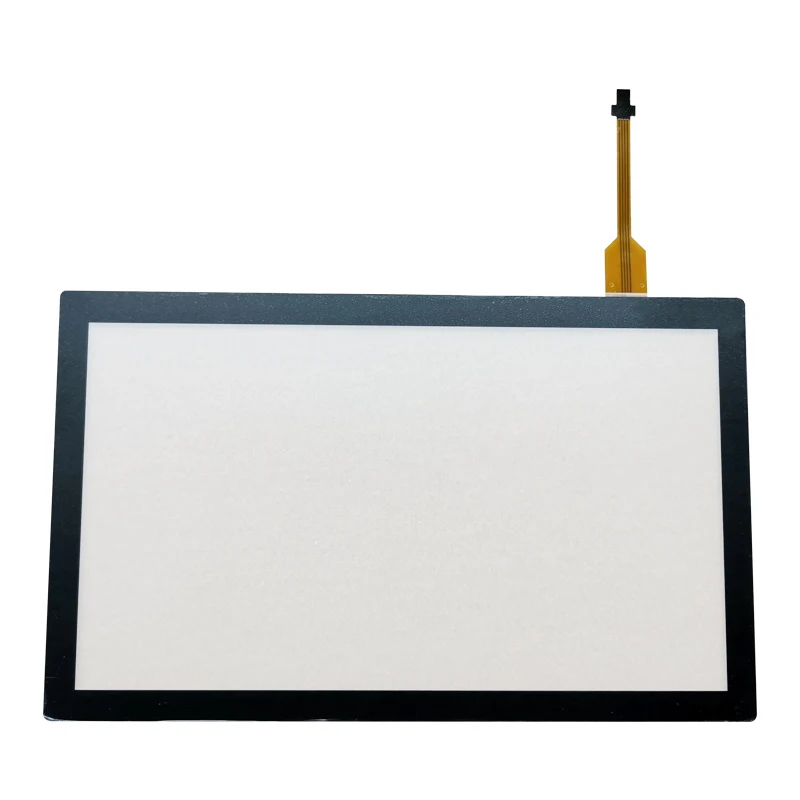
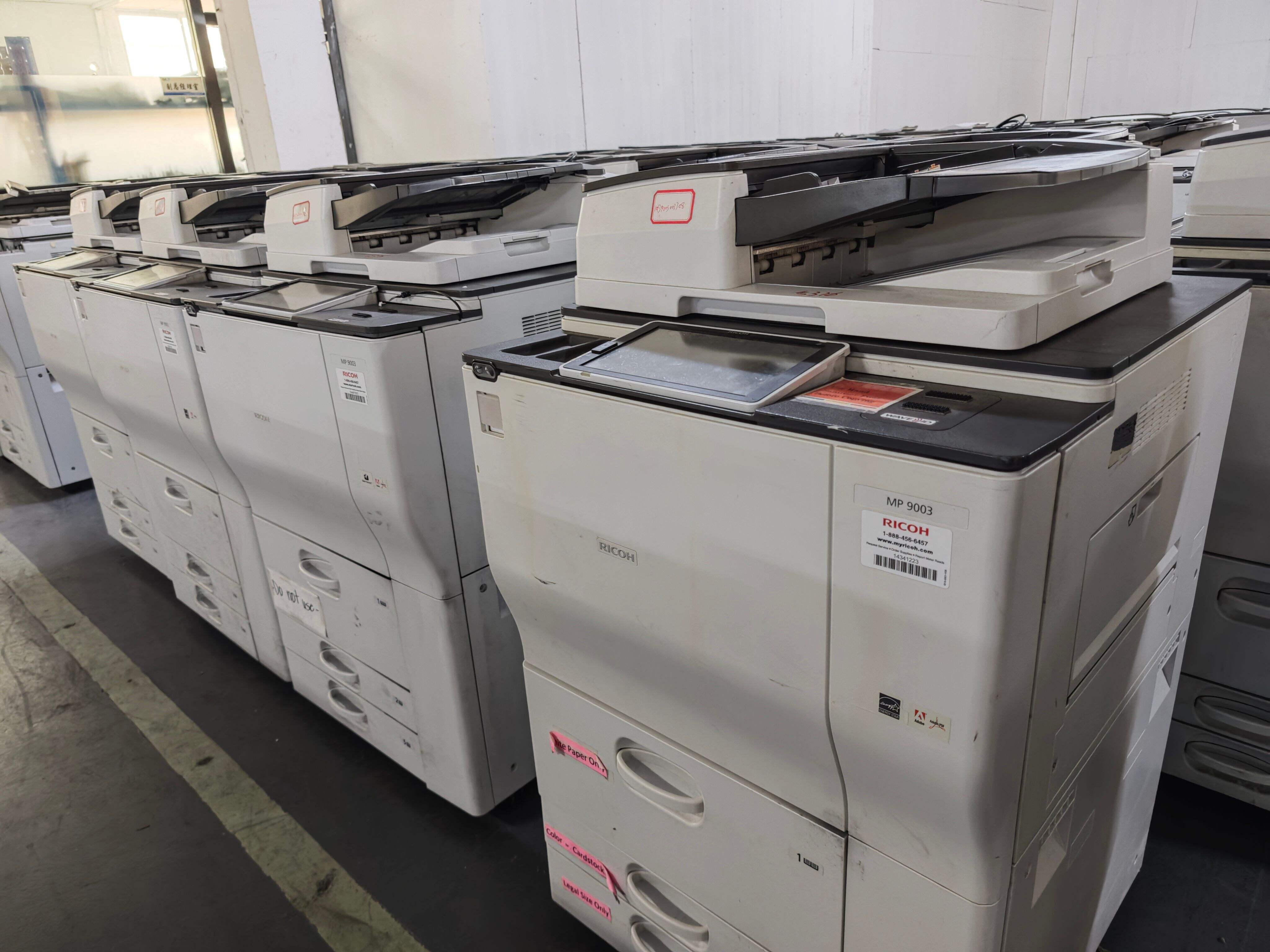
The user experience surrounding an office photocopier has evolved dramatically, transforming what was once an intimidating technical device into an approachable tool that anyone in your office can operate confidently after minimal training. Large color touchscreen displays, often ranging from seven to ten inches diagonally, present clear menus with graphical icons that visually represent functions, eliminating confusion and reducing the learning curve for new users. The interface design of a contemporary office photocopier mimics the familiar smartphone and tablet experiences that users already understand, incorporating gestures like swiping and pinching that feel natural and intuitive. Customization options allow organizations to program an office photocopier with frequently used settings accessible through one-touch buttons on the home screen, so common tasks like copying at a specific reduction ratio, scanning to a particular email distribution list, or printing with designated finishing options require only a single tap rather than navigating through multiple menu levels. The digital integration capabilities of an office photocopier extend your document workflows far beyond simple copying, with network scanning features that convert paper documents into searchable PDF files, Microsoft Word documents, or other digital formats automatically routed to predetermined destinations. Mobile connectivity support enables employees to send print jobs directly from smartphones and tablets to the office photocopier, or to initiate scanning operations remotely and have digitized documents delivered to their mobile devices, supporting the increasingly mobile nature of contemporary work environments. Cloud service integration connects your office photocopier directly to platforms like Google Drive, Microsoft OneDrive, Dropbox, and SharePoint, allowing users to scan documents directly into cloud storage or print materials stored in the cloud without requiring a computer intermediary. Authentication systems built into an office photocopier enhance security while providing usage tracking, with options including PIN codes, proximity cards, or biometric readers that identify users before granting access to functions, preventing unauthorized usage and enabling accurate cost allocation across departments. The administrative controls available through an office photocopier's embedded web server allow IT managers to configure settings, monitor supplies status, track usage statistics, and troubleshoot issues remotely from any networked computer, reducing the need for physical visits to the device location and accelerating problem resolution.
 EN
EN