Seamless Technology Integration and Future-Ready Connectivity Options
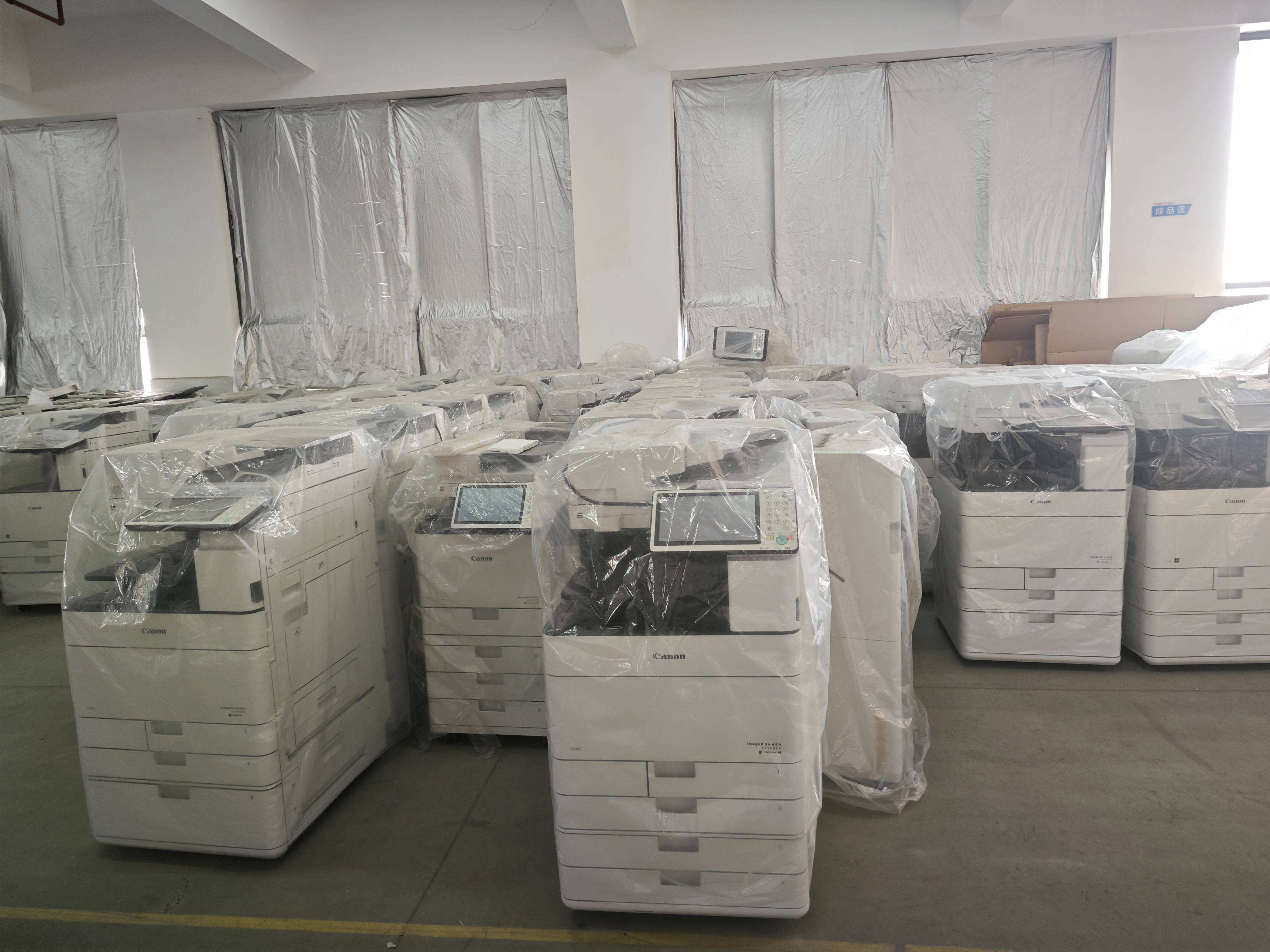
Today's office copy machine functions as an intelligent network node that connects seamlessly with diverse technology ecosystems, enabling sophisticated workflows that bridge physical and digital document management paradigms. Robust network connectivity supports both wired Ethernet and wireless protocols, allowing flexible placement within office layouts without infrastructure constraints while maintaining fast data transmission speeds that keep pace with demanding production schedules. Mobile printing capabilities let employees send documents directly from smartphones and tablets using industry-standard protocols and manufacturer-specific applications, supporting the increasingly mobile workforce that requires access to office resources from various locations and devices. Cloud service integration creates direct pathways between the office copy machine and popular storage platforms, enabling users to scan documents straight to their preferred cloud repositories or retrieve files for printing without intermediate computer steps, streamlining workflows and reducing complexity. Email connectivity allows scanned documents to be distributed instantly to multiple recipients simultaneously, with address book integration that recalls frequent contacts and distribution lists, accelerating information sharing and collaboration among team members and external partners. Advanced security protocols protect data during transmission and storage, implementing encryption standards that safeguard sensitive information as it moves across networks and preventing unauthorized access to the machine's functions and stored documents. User authentication systems require credentials before allowing access to copy, print, or scan functions, creating accountability trails and preventing confidential information from being inadvertently or maliciously compromised. The office copy machine supports various file formats and protocols, ensuring compatibility with different software applications and operating systems throughout your organization, eliminating compatibility concerns that could create workflow bottlenecks. Administrative web interfaces allow IT personnel to configure settings, monitor status, track usage statistics, and perform remote diagnostics from any network-connected computer, simplifying fleet management for organizations with multiple machines across different locations. Firmware updates can be deployed remotely, ensuring machines benefit from the latest features, security patches, and performance optimizations without requiring technician visits for each device. Application programming interfaces enable custom integrations with specialized business software, allowing the office copy machine to participate in automated workflows that might include document management systems, customer relationship platforms, or enterprise resource planning solutions. Forward compatibility considerations in quality machines ensure that current investments remain viable as technology standards evolve, protecting equipment value and extending useful lifespans even as surrounding infrastructure advances.
 EN
EN